Adobe After Effects Training

  • Instructor Unique
  • Original
  • Video Training

Adobe After Effects Training develops motion graphics, visual effects, and compositing skills for digital creators. Learn animation techniques, keyframing, transitions, and professional video post-production workflows for engaging multimedia projects.


Adobe After Effects Training
qls cpdacree ukrlp 24hs fullonline 14days

Get access to 5000+ courses including this for only £49. Learn More.

Overview of Adobe After Effects Training

Adobe After Effects Training is designed to help learners develop practical skills in After Effects Training, Motion Graphics, Animation, and Visual Effects. Explore Video Editing, Motion Design, Compositing, and Special Effects techniques while creating engaging digital animation projects for modern social media and online content.

Through hands-on projects, you will apply Adobe After Effects techniques to create professional-looking animations and visual content. Start with an Instagram Story, progress to viral-style animated text boxes, and develop your skills in Motion Graphics, Animation, and Video Editing through increasingly advanced projects.

The course concludes with advanced practical projects, including a screen capture and web presentation project and an animated social media poster. Whether exploring Digital Animation, Visual Effects, or Motion Design, this After Effects Training course helps you build practical creative skills for engaging, polished, and dynamic video content.

The course was audited and updated on: 10th August, 2026

Learning Outcomes of Adobe After Effects Training

Method Of Assessment​

Learners complete an assignment designed to evaluate their understanding of the course content. The assignment is reviewed by qualified tutors who provide personalised feedback, allowing learners to demonstrate their applied knowledge and skills.

Certification

one education Certificate

After completing the Adobe After Effects Training course assessment, you will be eligible to receive a CPD-accredited certificate worth £9 from One Education to demonstrate your achievement.

The certificate is also available as a printed hard copy delivered by post for £15.

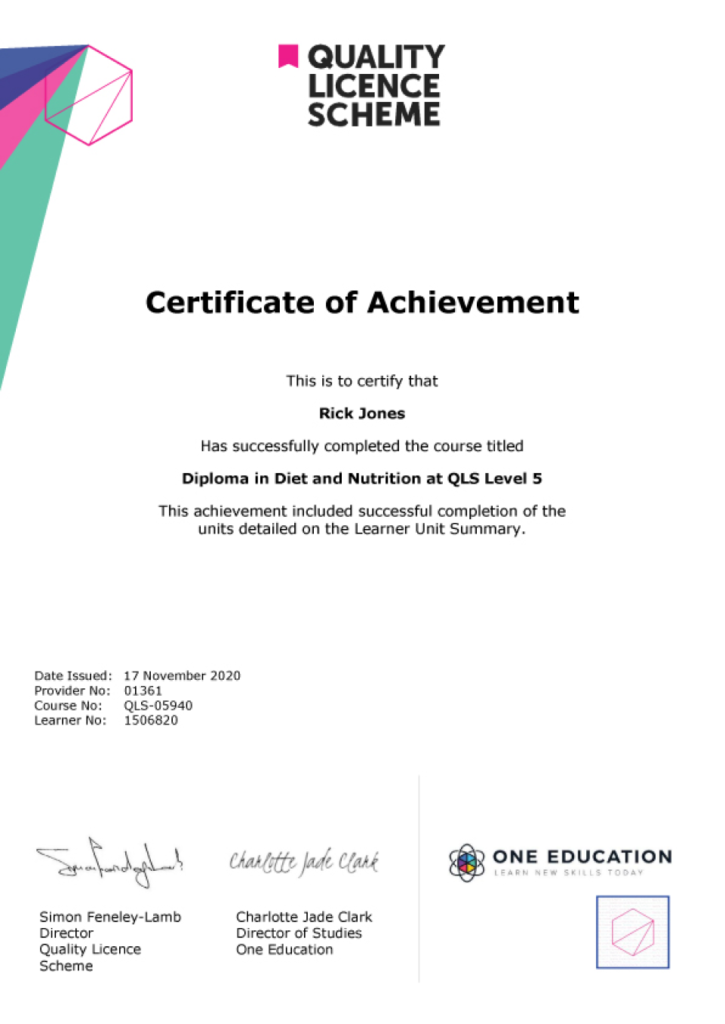
EXAMPLE - QLS Certificate 2020 1

Quality Licence Scheme Endorsed Certificate

Learners also have the option to order a Quality Licence Scheme (QLS) Endorsed Certificate as additional proof of achievement. The QLS Endorsed Certificate can be delivered by post for £79, with an additional £10 postage charge for international students.

Endorsement

This course has been endorsed by the Quality Licence Scheme for its high-quality, non-regulated provision and training programmes. This course is not regulated by Ofqual and is not an accredited qualification. Your training provider will be able to advise you on any further recognition, for example progression routes into further and/or higher education. For further information please visit the Learner FAQs on the Quality Licence Scheme website.

Why Study This Adobe After Effects Training Course?

Adobe After Effects is widely used for motion graphics, visual effects, animation, and professional video production. Studying After Effects helps learners develop practical skills in compositing, animation, special effects, and motion design, enabling them to create engaging and dynamic visual content.

This training provides valuable knowledge for aspiring video editors, animators, and creative professionals. Learners can strengthen their digital production skills, explore creative effects, and build confidence producing polished animations, promotional content, social media visuals, and other motion-based projects.

Course Duration

The Adobe After Effects Training course has a total study timeframe of 6 days, 6 hours. Learners can progress through the programme at a pace that suits their schedule, developing practical skills in motion graphics, visual effects, animation, video editing, compositing, special effects, and professional post-production techniques using Adobe After Effects.

Requirements

The Adobe After Effects Training course has no formal entry requirements, making it suitable for beginners and aspiring motion graphics artists. An interest in animation, visual effects, video editing, and digital creativity is beneficial. Basic computer skills, good English, and reliable internet access are recommended for effective online learning.

Career Path

Frequently Asked Questions

1. What is the Adobe After Effects Training course?
The Adobe After Effects Training course introduces the tools and techniques used to create professional motion graphics, animation, and visual effects. It covers Adobe After Effects, After Effects Training, Motion Graphics, Visual Effects, Video Editing, Animation, Motion Design, Compositing, Special Effects, and Digital Animation.

2. Who is the Adobe After Effects Training course suitable for?
The course is suitable for beginners, video editors, graphic designers, animators, content creators, filmmakers, motion designers, and creative professionals who want to develop practical skills in Adobe After Effects and Motion Graphics.

3. What will I learn from Adobe After Effects Training?
You will explore Adobe After Effects, Motion Graphics, Animation, Visual Effects, Video Editing, Compositing, Motion Design, and Special Effects through practical projects, including creating an Instagram Story and designing viral-style text boxes.

4. What is Adobe After Effects used for?
Adobe After Effects is primarily used for Motion Graphics, Visual Effects, Animation, Compositing, and creative video production. It can be used to animate text and graphics, create visual effects, enhance footage, and combine multiple visual elements into a finished composition.

5. Is Adobe After Effects suitable for beginners?
Yes. A structured After Effects Training course can introduce beginners to the software interface, core tools, animation concepts, and practical workflows before progressing towards more advanced Motion Design and Visual Effects techniques.

6. What are motion graphics in After Effects?
Motion Graphics are animated graphic elements such as text, shapes, illustrations, logos, and visual designs. Adobe After Effects provides tools for animating these elements to create engaging content for videos, advertisements, social media, presentations, and digital media.

Course Curriculum

Course Promo
Learn After Effects for Social Media Promo 00:01:00
Project #1(Beginner) - Create an Instagram Story
Quick Introduction 00:01:00
Set up Our Project File 00:04:00
Add Our Background and Animate it 00:06:00
Throw in Some Text 00:06:00
Animate the Text In and Out 00:11:00
Music, Render 00:05:00
Project #2 (Intermediate) - Create "Viral Style" Text Boxes and Learn Animation
Create a Text Box and Align 00:04:00
The Anchor Point & Scaling 00:06:00
Animating the Text Box 00:04:00
Fit the Text in the Box 00:05:00
The Grand Reveal 00:04:00
Render and Congratulations 00:08:00
Project#3 (Advanced) Screen Capture and Web Presentation Project
Screen Capture Software 00:05:00
Replace a Phone or Laptop Screen 00:10:00
Create a “3D” Display 00:09:00
PROJECT – Create your own Web Browser 00:16:00
Project #4 (Advanced) Create a Social Media Animated Poster
Social Media Project Introduction 00:02:00
The Master Plan 00:08:00
Time to Design 00:16:00
Trim Paths 00:04:00
Animate Your Image 00:06:00
Let’s Talk About Text 00:17:00
Shake that Button 00:09:00
Texture, Render, Congratulations 00:11:00
Assignment
Assignment – Adobe After Effects Training 6 days, 4 hours
Order Your Certificate
Order Your Certificate QLS 00:00:00
Adobe After Effects Training
top
Copyright © 2026 One Education © Edukators London Ltd.