Touch Typing Course Training

Build fast, accurate typing skills with practical lessons, exercises, and techniques to improve speed, confidence, and productivity for academic, professional, and everyday computer use.

Touch Typing Training
h h h

Get access to 5000+ courses including this for only £49. Learn More.

Overview of Touch Typing Course Training

This touch typing course builds strong typing skills through structured keyboard training. Learners improve typing speed and typing accuracy with guided typing lessons, drills and consistent typing practice in an online typing course.

Starting with home keys, this typing course progresses through drills, sentences and figures. Step-by-step keyboard training supports fast typing development while reinforcing correct finger placement and professional typing accuracy.

Designed for all levels, this online typing course focuses on practical typing practice, real improvement and confidence. Regular drills strengthen typing speed, accuracy and control, supporting everyday work, study and digital communication tasks.

Learning Outcomes of Touch Typing Course Training

Certification

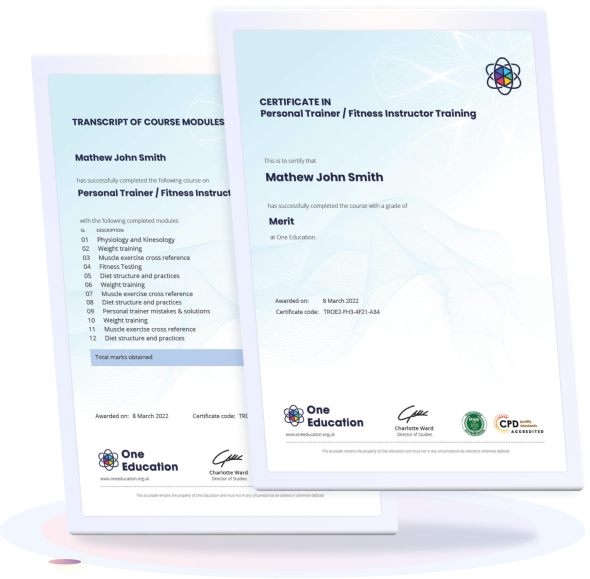
one education Certificate

After completing the Touch Typing Course Training assessments, learners qualify for a CPD QS accredited certificate from One Education.

The certificate is available in two formats: a PDF version for £9 or a printed hard copy delivered by post for £15.

Why Study This Touch Typing Course Training?

Accurate and efficient typing remains an essential skill across modern workplaces, education, and daily digital communication. Strong keyboard proficiency supports productivity, reduces time spent on written tasks, and helps maintain professional standards in emails, reports, and online documentation.

Studying Touch Typing Course Training strengthens speed, precision, and confidence when working on computers. CPD recognition highlights commitment to personal development, enhancing credibility and supporting progression in administrative, academic, and office-based roles.

Course Duration

The Touch Typing Course Training is designed to be completed in approximately 60 minutes of guided study. Learners may progress through the lessons at their own convenience, allowing the course to fit comfortably within varied daily routines while ensuring a focused and efficient learning experience.

Requirements

The Touch Typing Course Training has clear and accessible entry expectations designed for a wide range of learners. Anyone with basic computer familiarity, the ability to read simple on-screen instructions, and a willingness to improve typing speed and accuracy can take part. As the course is delivered entirely online, learners only need a stable internet connection and a suitable device such as a laptop, desktop, or tablet to begin studying comfortably from home at a pace that suits their routine.

Career Path

Frequently Asked Questions

Touch typing is the ability to type accurately without looking at the keyboard. It improves writing speed, reduces errors, and increases overall productivity for study, office work, and daily computer use.

No previous experience is required. The training is suitable for complete beginners as well as learners who want to improve speed and accuracy.

Learning time varies by practice and consistency. Many learners notice improvement within a few weeks, while stronger speed and accuracy typically develop with regular daily practice.

Typing speed depends on dedication and practice frequency. Most learners significantly increase their words-per-minute rate and typing confidence after completing structured lessons.

The course is designed for both students and adults who wish to improve keyboard skills for education, work, or personal development.

Course Curriculum

Touch Typing Training
Module 01: Getting Started 00:05:00
Module 02: DRILL 1 the home keys 00:05:00
Module 03: DRILL 2 e and i, g and h 00:05:00
Module 04: DRILL 3 o and n, shift keys and t 00:05:00
Module 05: DRILL 4 extra practice . and y 00:05:00
Module 06: DRILL 5 , and w 00:05:00
Module 07: DRILL 6 m and u 00:05:00
Module 08: DRILL 7 v and x 00:05:00
Module 09: DRILL 8 sentence drills 00:05:00
Module 10: DRILL 9 figures 00:05:00
Module 11: DRILL 10 alphabetical paragraphs 00:05:00
Module 12: Recap 00:05:00
Order Your Certificate
Order Your Certificate Now 00:00:00
top

Hear What Our Learners Say About Us

OE Footer
Home Search Cart