
 Take All courses for £49
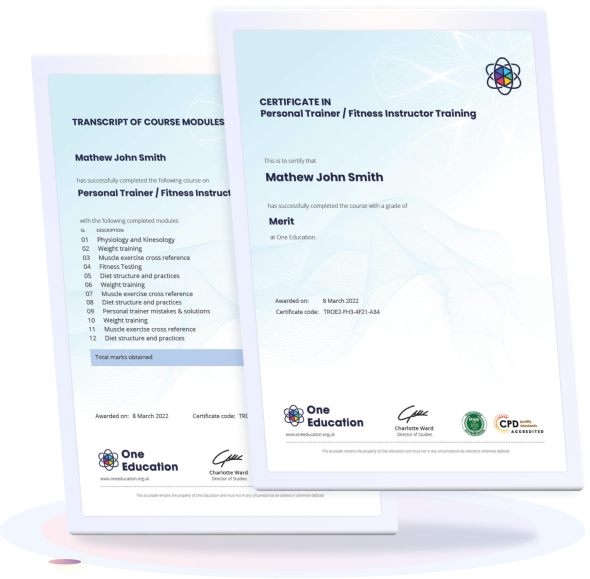
HMI Panelview 800 Configuring and Programming
HMI PanelView 800: Configuring and Programming introduces the fundamentals of setting up, configuring, and programming PanelView 800 HMI systems. This course covers interface design, communication setup, and basic troubleshooting, helping learners understand how HMI solutions are developed and managed in industrial automation environments.
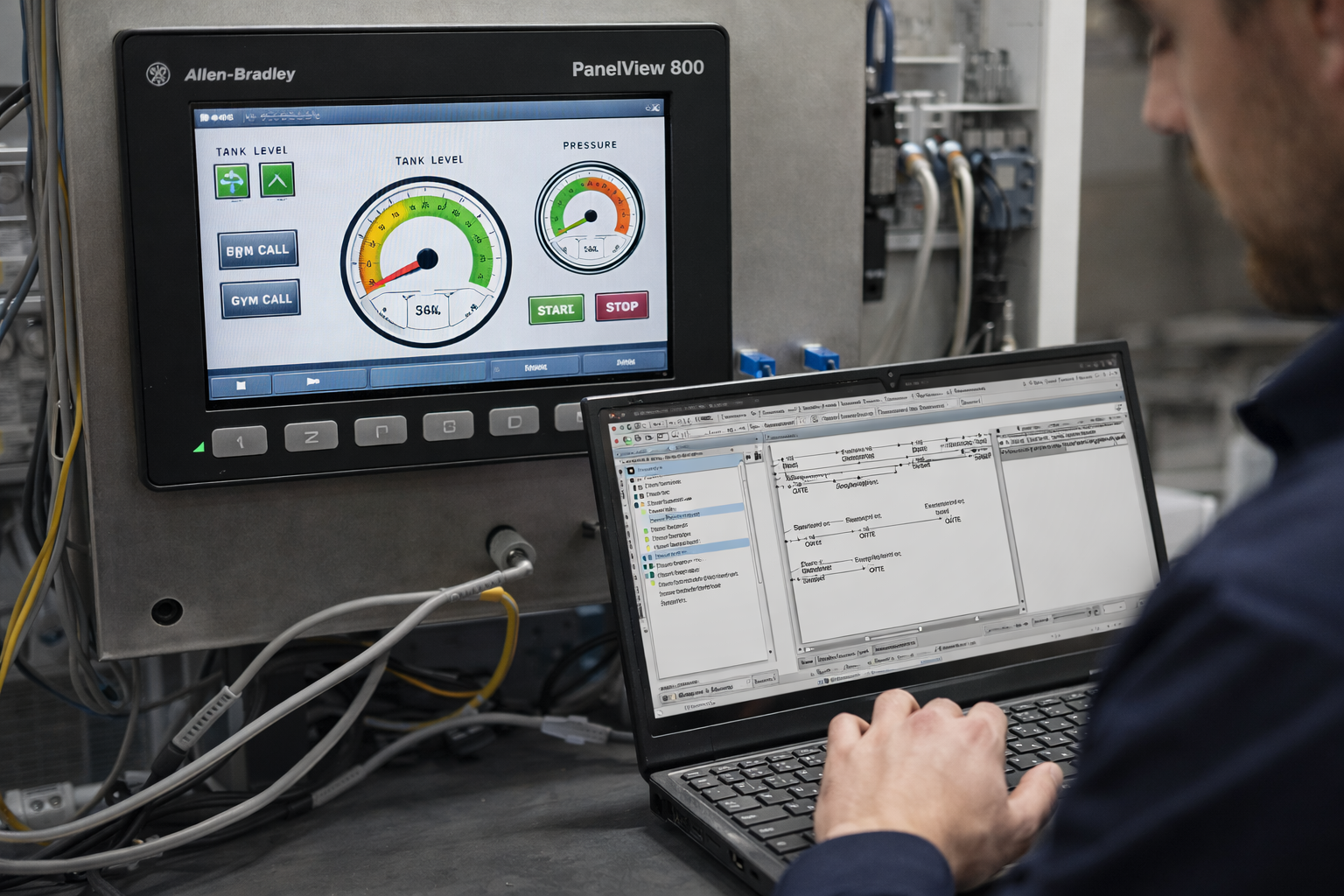


HMI Panelview 800 Configuring and Programming
Or
 1 Year Access
  Intermediate
  350 Students
 -
 2 hours, 35 minutes
Course Curriculum
| HMI Panelview 800 Configuring and Programming | |||
| Module 01: Introduction | 00:04:00 | ||
| Module 02: Setting up and configuring the PanelView 800 HMI | 00:09:00 | ||
| Module 03: Connect an input to the HMI and set up all of the parameters | 00:09:00 | ||
| Module 04: Programming an output to an HMI | 00:10:00 | ||
| Module 05: HMI Start/Stop Station | 00:10:00 | ||
| Module 06: HMI Electrical Interlock Circuit | 00:19:00 | ||
| Module 07: Entering a timer function on the HMI | 00:20:00 | ||
| Module 08: Programming a counter into the HMI | 00:13:00 | ||
| Module 09: Compare instructions | 00:06:00 | ||
| Module 10: Math Instructions | 00:30:00 | ||
| Module 11: Adding screens to the HMI | 00:18:00 | ||
| Module 12: Introduction to next course on VFDs. | 00:07:00 | ||
| Assignment | |||
| Assignment – HMI Panelview 800 Configuring and Programming | 00:00:00 | ||
HMI Panelview 800 Configuring and Programming