
 Take All courses for £49
 1 Year Access
 167 Students
  3 weeks, 4 days
Advanced Diploma in User Experience UI/UX Design
- Trending
- Most Popular
- Instructor Unique
- Original
- Video Training
The Advanced Diploma in UI/UX Design equips learners with expert skills in user experience, interface design, and usability, enabling them to design intuitive, visually appealing digital products for diverse platforms.




Advanced Diploma in User Experience UI/UX Design
Or
 1 Year Access
 -
Level 7
-
167 Students
-
 3 weeks, 4 days
Course Curriculum
| UX/UI Course Introduction | |||
| Learn UX/UI Course Overview | 00:05:00 | ||
| Section Overview | 00:04:00 | ||
| UX vs UI | 00:04:00 | ||
| UX/UI Designer Marketplace | 00:05:00 | ||
| Overview of UX Roles | 00:06:00 | ||
| Introduction To The Web Industry | |||
| Web Industry Section Overview | 00:03:00 | ||
| The Phases of Web Development | 00:13:00 | ||
| Designer Responsibilities (working in a team) | 00:09:00 | ||
| Roles & Descriptions (working in a team) | 00:05:00 | ||
| Agile Approach To Project Management | 00:12:00 | ||
| Scrum – Flexible Framework | 00:06:00 | ||
| Project Management Apps | 00:13:00 | ||
| XD Lesson – Introduction | 00:13:00 | ||
| Foundations of Graphic Design | |||
| Graphic Design Section Overview | 00:02:00 | ||
| The Psychology of Color | 00:13:00 | ||
| Color Wheel & Color Schemes | 00:06:00 | ||
| Working with Fonts | 00:10:00 | ||
| Working With Icons | 00:04:00 | ||
| XD Lesson – Tools, Object Manipulation and Components | 00:13:00 | ||
| XD Lesson – Font Styles and Artboard Settings | 00:07:00 | ||
| Graphic Design Software Tools | 00:03:00 | ||
| Adobe XD lesson 4 – Icons & Vector Graphics | 00:14:00 | ||
| UX Design (User Experience Design) | |||
| UX Design Section Overview | 00:04:00 | ||
| What is User Experience Design? (UX) | 00:09:00 | ||
| UX Design Process | 00:03:00 | ||
| The UX Analysis Process | 00:08:00 | ||
| Working with User Profiles | 00:03:00 | ||
| Understanding User Pain Points | 00:03:00 | ||
| XD Lesson 5 Class Project: Сompetitive Analysis | 00:10:00 | ||
| Developing a Persona Part 1 | 00:05:00 | ||
| Developing a Persona Part 2 | 00:05:00 | ||
| Customer Journey | 00:04:00 | ||
| Customer Journey vs Sales Funnel | 00:04:00 | ||
| 3 Phases of a Sales Funnel | 00:07:00 | ||
| 4 Stages of a Sales Funnel | 00:06:00 | ||
| Macro/Micro Conversions | 00:05:00 | ||
| Stages of Market Sophistication | 00:06:00 | ||
| Lead Generation Funnel | 00:06:00 | ||
| Digital Product Sales Funnel | 00:05:00 | ||
| 7 Principles of Influence | 00:12:00 | ||
| Age Based Influence Triggers | 00:06:00 | ||
| Gender Influence Triggers | 00:06:00 | ||
| Interest Based Marketing | 00:04:00 | ||
| Understanding User Flow | 00:08:00 | ||
| XD Lesson 6 Class Project: Userflow – Your first UX deliverable | 00:07:00 | ||
| Working with Story Boards | 00:05:00 | ||
| XD Lesson 7 Class Project: Crafting a Story board | 00:09:00 | ||
| Working with Moodboards | 00:04:00 | ||
| XD Lesson 8 Class Project: Creating Moodboard | 00:11:00 | ||
| Sitemap & Information Architecture | 00:07:00 | ||
| XD Lesson – Class Project: App Architecture | 00:09:00 | ||
| Low and Hi Fidelity Wireframes | 00:03:00 | ||
| XD Lesson – Class Project: Login Screen Wireframe Using Material Design | 00:08:00 | ||
| Working with Prototypes | 00:04:00 | ||
| XD Lesson – Class Project: Home Screen Wireframe and Linking | 00:07:00 | ||
| XD Lesson – Class Project: Adding Interaction to Wireframes | 00:10:00 | ||
| Testing and Evaluating | 00:11:00 | ||
| UX Deliverables | 00:03:00 | ||
| UX Design Conclusion | 00:01:00 | ||
| UI Design (User Interface Design) | |||
| UI Design Section Overview | 00:03:00 | ||
| UI Design Overview | 00:03:00 | ||
| Types of Interfaces | 00:10:00 | ||
| Landing Pages Overview | 00:10:00 | ||
| XD Lesson – Using Grids in XD | 00:08:00 | ||
| XD Lesson – Single Card design | 00:13:00 | ||
| UI Controls | 00:07:00 | ||
| UI Navigational Components | 00:12:00 | ||
| Header Design Overview | 00:07:00 | ||
| XD Lesson – Mobile & Desktop: Header Design | 00:10:00 | ||
| XD Lesson – Mobile & Desktop: Dropdown Design | 00:06:00 | ||
| Common Layouts Overview | 00:08:00 | ||
| XD Lesson – Common Layouts | 00:07:00 | ||
| Mobile & Desktop Footer Design Overview | 00:07:00 | ||
| XD Lesson – Mobile & Desktop: Footer Design | 00:06:00 | ||
| Mobile & Desktop Button Design Overview | 00:05:00 | ||
| XD Lesson – Mobile & Desktop: Button Design | 00:10:00 | ||
| XD Lesson – Mobile & Desktop: Input Design | 00:07:00 | ||
| Mobile & Desktop Filter Search Bar Design Overview | 00:06:00 | ||
| Adobe XD Lesson – Mobile & Desktop: Filter Design | 00:07:00 | ||
| Adobe XD Lesson – Mobile & Desktop: Search Design | 00:03:00 | ||
| UI Kit Overview | 00:05:00 | ||
| Adobe XD Lesson – Desktop and Mobile: UI Kit | 00:06:00 | ||
| Microinteractions Overview | 00:05:00 | ||
| Adobe XD lesson – Microinteractions | 00:07:00 | ||
| Optimization | |||
| Optimization Section Overview | 00:02:00 | ||
| Feedback Review & Getting Referrals | 00:04:00 | ||
| “Above the Fold” Rule | 00:04:00 | ||
| Adobe XD lesson – Designing a Powerful Above the Fold | 00:08:00 | ||
| Using Analytics For Optimization | 00:05:00 | ||
| Heat Maps & Element Placements | 00:04:00 | ||
| Crafting A Usability Report Overview | 00:08:00 | ||
| Adobe XD lesson – Crafting Reports in XD | 00:20:00 | ||
| Starting a Career in UX/UI Design | |||
| Careers in UX/UI Section Overview | 00:07:00 | ||
| Your Daily Productivity Hub | 00:14:00 | ||
| How To Start Freelancing | 00:08:00 | ||
| Client Consulting | 00:04:00 | ||
| Building a Brand | 00:10:00 | ||
| Personal Branding | 00:06:00 | ||
| The Importance of Having a Website | 00:08:00 | ||
| Creating a Logo | 00:05:00 | ||
| Step by Step Website Setup | 00:16:00 | ||
| UI Templates | 00:06:00 | ||
| Logo Templates | 00:04:00 | ||
| Creating a Business Email | 00:06:00 | ||
| Networking Do’s and Don’ts | 00:04:00 | ||
| Top Freelance Websites | 00:10:00 | ||
| UX/UI Project Scope Questions | 00:10:00 | ||
| Laser Focus & Productivity Tools | 00:06:00 | ||
| The Places to Find UX Jobs | 00:05:00 | ||
| Resources | |||
| Resources – Advanced Diploma in User Experience UI/UX Design | 00:00:00 | ||
| Assignment | |||
| Assignment – Advanced Diploma in User Experience UI/UX Design | 3 weeks, 3 days | ||
| Order Your Certificate | |||
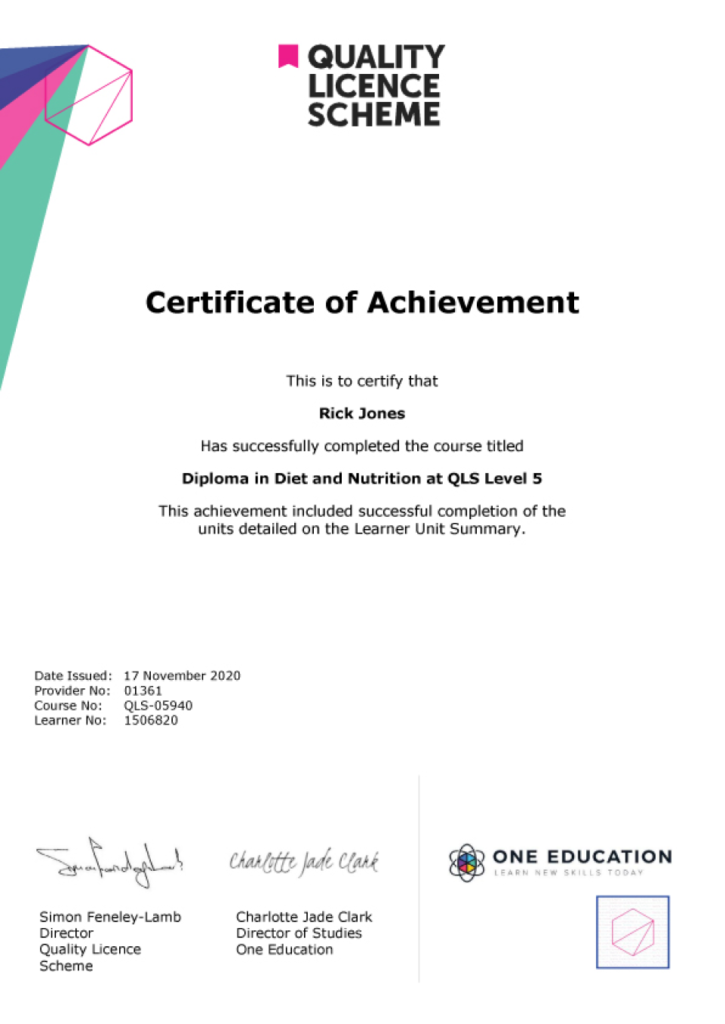
| Order Your Certificate QLS | 00:00:00 | ||
Advanced Diploma in User Experience UI/UX Design