
An Introduction To Moho Pro/Anime Studio 2D Illustration-Animation

Learn 2D illustration and animation with Moho Pro (Anime Studio). Understand character rigging, timeline animation, vector drawing tools, and scene creation to produce smooth, engaging animated projects efficiently.
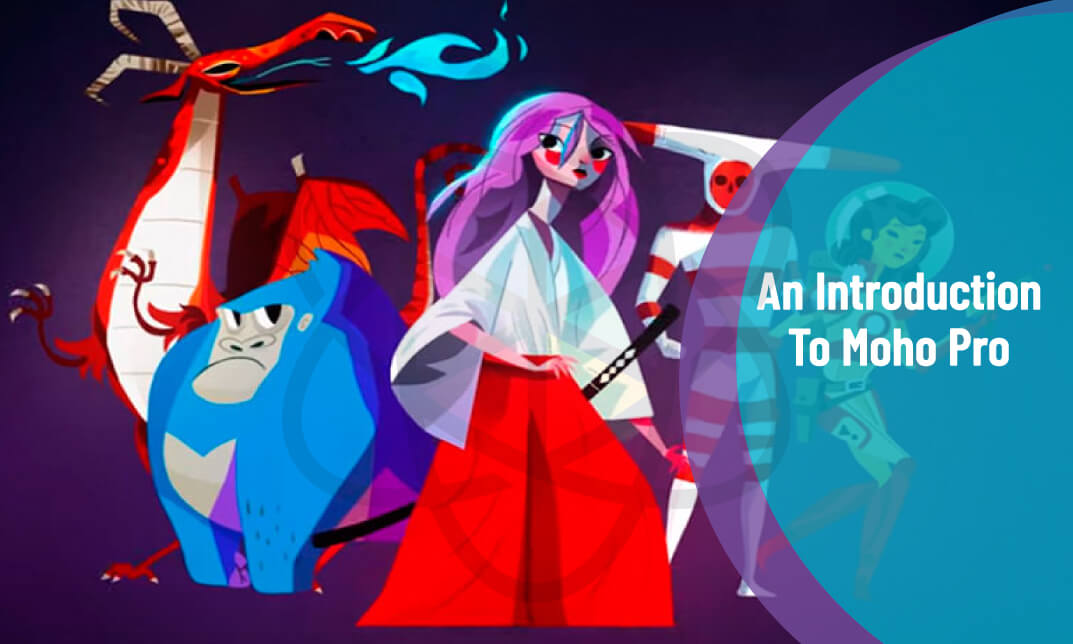
An Introduction To Moho Pro/Anime Studio 2D Illustration-Animation
cpdacree aoth ukrlp 24hs fullonline 14days

Get access to 5000+ courses including this for only £49. Learn More.

Overview of An Introduction To Moho Pro/Anime Studio 2D Illustration-Animation

This course provides a practical introduction to Moho Pro and Anime Studio, helping learners explore the foundations of 2D Animation and 2D Illustration. Discover essential animation techniques, character rigging, illustration principles, and digital animation workflows for creating engaging animated content.

Learn how to build and rig characters using Moho Pro, from establishing a body bone structure to preparing characters for movement. Explore Character Animation, vector-based artwork, and creative Digital Animation techniques while developing practical skills for producing expressive and visually appealing animated characters.

The course then introduces animation workflows and creative applications, including Vector Animation, Motion Graphics, and Cartoon Animation. With lessons covering introduction, illustration, character rigging, animation, and conclusion, learners can develop a solid foundation for creating professional-looking 2D animated projects with Moho Pro.

The course was audited and updated on: 10th August, 2026

Learning Outcomes of An Introduction To Moho Pro/Anime Studio 2D Illustration-Animation

Certification

one education Certificate

After completing the An Introduction To Moho Pro/Anime Studio 2D Illustration-Animation course assessment, you will be eligible to receive a CPD-accredited certificate worth £9 from One Education to demonstrate your achievement.

The certificate is also available as a printed hard copy delivered by post for £15.

Why Study This An Introduction To Moho Pro/Anime Studio 2D Illustration-Animation Course?

Moho Pro and Anime Studio provide powerful tools for developing engaging 2D illustrations and animations. Studying these platforms helps learners explore character design, rigging, vector artwork, animation techniques, and motion creation while building practical skills for digital storytelling.

This course offers a creative introduction to 2D animation workflows and character development. Learners can improve their digital illustration abilities, experiment with animation techniques, and create engaging animated content for cartoons, personal projects, online media, and creative portfolios.

Course Duration

The An Introduction To Moho Pro/Anime Studio 2D Illustration-Animation course has a total study time of 3 hours, 10 minutes. Learners can work through the programme at a pace that suits their schedule, developing practical skills in 2D illustration, character rigging, animation, vector artwork, motion graphics, and creative animation techniques using Moho Pro.

Requirements

The An Introduction To Moho Pro/Anime Studio 2D Illustration-Animation course has no formal entry requirements, making it ideal for beginners and aspiring animators. An interest in 2D illustration, character animation, and digital creativity is beneficial. Basic computer skills, good English, and reliable internet access are recommended for online study.

Career Path

Frequently Asked Questions

1. What is the An Introduction to Moho Pro/Anime Studio 2D Illustration-Animation course?
This course introduces the fundamentals of creating digital artwork and animation using Moho Pro, formerly known as Anime Studio. It explores 2D Animation, 2D Illustration, Character Animation, Digital Animation, Vector Animation, Motion Graphics, Cartoon Animation, and essential animation techniques.

2. Who is the Moho Pro/Anime Studio course suitable for?
The course is suitable for aspiring animators, illustrators, digital artists, cartoon creators, content creators, and beginners who want to explore 2D Illustration and Animation using Moho Pro or Anime Studio.

3. What will I learn from this Moho Pro course?
You will explore Moho Pro, Anime Studio, 2D Illustration, Character Animation, Vector Animation, Digital Animation, and animation techniques. The course also introduces character rigging and the creation of a character body bone structure for animation.

4. What is Moho Pro used for?
Moho Pro is animation software designed for creating 2D artwork and animated content. It provides tools for drawing, vector artwork, character rigging, animation, and other workflows used to develop animated characters and scenes.

5. What is the difference between Moho Pro and Anime Studio?
Anime Studio was the earlier name of the software that became Moho. Moho Pro is the later branding and development of the animation application, with tools designed for 2D Illustration, Character Animation, rigging, and digital animation workflows.

6. Does the course cover 2D character animation?
Yes. Character Animation is a key area of the course. Learners are introduced to preparing a character and working with a bone structure, which can provide the foundation for creating movement in a 2D animation workflow.

Course Curriculum

Introduction
An Overview of Moho 00:07:00
Revised Course Objectives 00:05:00
Rigging Your Character Body Bone Structure
Requirements of a Solid Character Body Bone Structure 00:11:00
Pose, Proportion, Perspective and Joints 00:12:00
Bone Correction, Angle Constraints and Target Bones 00:12:00
Illustration
Constructing Perfect Knee and Elbow Joints (Part 1) 00:14:00
Constructing Perfect Knee and Elbow Joints (Part 2) 00:09:00
Drawing Your Character Torso 00:15:00
Tracing Your Character Head and Face 00:17:00
Cartoon Eyes Option Using Layer Masks 00:08:00
Rigging Your Character
Binding Bones to Your Character 00:07:00
Rigging Switch Layer Hands, Feet and Mouth 00:11:00
Rigging Facial Smart Bone Dials 00:15:00
Animation
Animating a Walk Cycle (Part 1) 00:13:00
Animating a Walk Cycle (Part 2) 00:07:00
Lip Syncing with Papagayo 00:13:00
Camera and Background Animation 00:12:00
Conclusion
What Now? 00:02:00
Order Your Certificate
Order Your Certificate Now 00:00:00
An Introduction To Moho Pro/Anime Studio 2D Illustration-Animation
top
