
Basic Photoshop Training With GIMP
Basic Photoshop Training With GIMP teaches essential image editing skills using free software. Learn layers, colour correction, retouching, and design techniques to create professional-quality graphics without expensive tools or subscriptions.
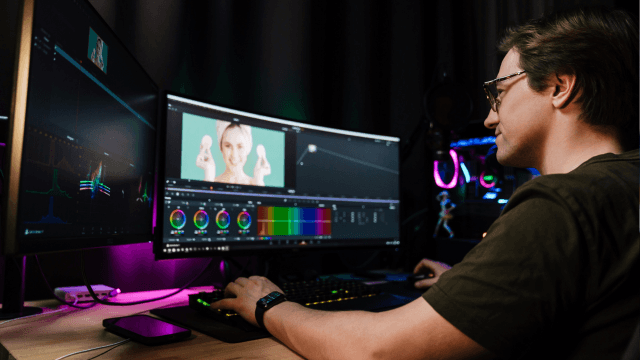


Basic Photoshop Training With GIMP
Or
 Take All courses for £49
 1 Year Access
  Intermediate
  5 Students
 -
 34 minutes
Course Curriculum
| Section 01: Working with Photoshop | |||
| Creating A New Document | 00:01:00 | ||
| Using Common Selection Tools | 00:02:00 | ||
| Understanding File Types and Modes | 00:02:00 | ||
| Cropping, Resizing and Resolution | 00:03:00 | ||
| Using Layers | 00:02:00 | ||
| Using Layer Blending Modes | 00:02:00 | ||
| Using the Text Tool | 00:02:00 | ||
| Using Glowing Text Effect | 00:02:00 | ||
| Using Gold Text Effect | 00:02:00 | ||
| Section 02: Working with GIMP | |||
| Getting Started With GIMP | 00:02:00 | ||
| Creating, Saving and Exporting Images | 00:02:00 | ||
| Resizing, Cropping, Rotating and Flipping | 00:02:00 | ||
| Working with Layers | 00:02:00 | ||
| Working with Selection Tools | 00:03:00 | ||
| Working with Paint Tools | 00:05:00 | ||
| Order Your Certificate | |||
| Order Your Certificate Now | 00:00:00 | ||
Basic Photoshop Training With GIMP