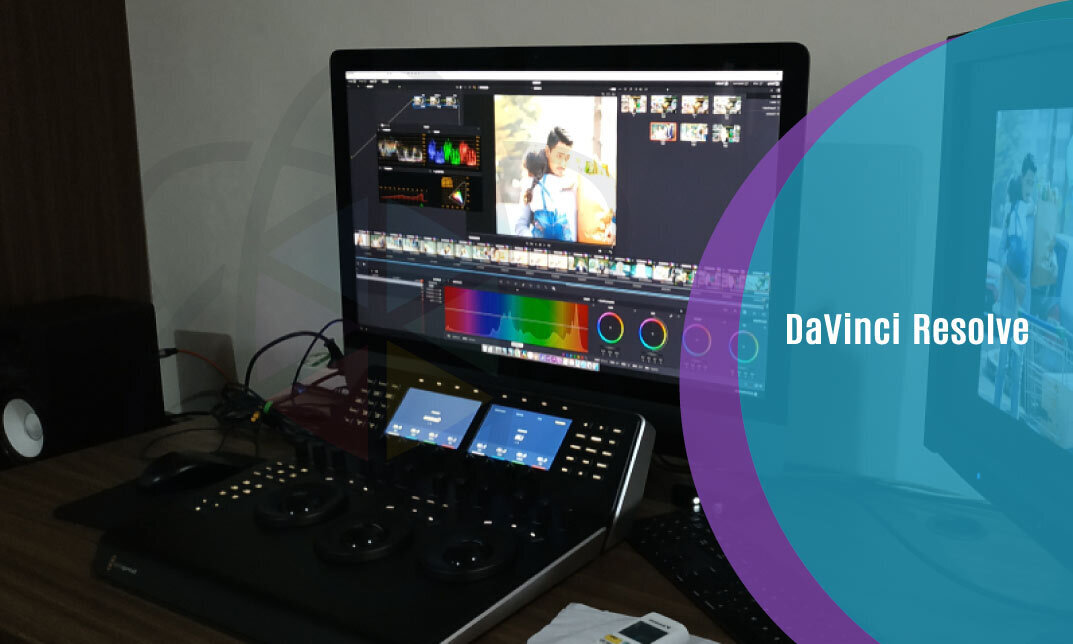
DaVinci Resolve

DaVinci Resolve
cpdacree aoth ukrlp 24hs fullonline 14days

Get access to 5000+ courses including this for only £49. Learn More.

Overview of DaVinci Resolve

DaVinci Resolve is a comprehensive video editing and video production course designed to build practical post-production skills. Learn professional video editing, film editing, transitions, text, effects, and smart editing tools while developing confidence in DaVinci Resolve’s powerful creative workflow.

Develop essential colour grading and colour correction skills by exploring the Colour Tab, nodes, tracing effects, and cinematic looks. The course also introduces audio editing and mixing, helping you sync audio with video and create polished, engaging content suitable for professional video production and film editing.

Explore advanced post-production techniques through the Fairlight and Fusion Tabs, including motion graphics, video effects, green screen removal, chroma key, and Delta Keyer. By completing the course, you can strengthen your DaVinci Resolve skills and confidently create refined, visually compelling videos from editing to final delivery.

The course was audited and updated on: 8th August, 2026

Learning Outcomes of DaVinci Resolve

Certification

one education Certificate

After completing the DaVinci Resolve course assessment, you will be eligible to receive a CPD-accredited certificate worth £9 from One Education to demonstrate your achievement.

The certificate is also available as a printed hard copy delivered by post for £15.

Why Study This DaVinci Resolve Course?

DaVinci Resolve is a powerful platform for professional video editing, colour grading, audio production, and visual effects. Studying this course helps learners understand video editing workflows, colour correction, transitions, sound editing, motion graphics, and post-production techniques.

This course can develop practical skills for producing polished and engaging video content. Learners can build confidence with professional editing tools, improve visual storytelling, and apply their knowledge to films, social media videos, promotional content, creative projects, and digital media production.

Course Duration

The DaVinci Resolve course has a total study time of 2 hours, 35 minutes. Learners can progress through the programme at a flexible pace, developing practical skills in video editing, colour grading, colour correction, audio editing, motion graphics, video effects, film editing, and professional post-production using DaVinci Resolve.

Requirements

The DaVinci Resolve course has no formal entry requirements, making it suitable for beginners and aspiring video editors. An interest in video editing, colour grading, audio production, motion graphics, and post-production is beneficial. Basic computer skills, good English, and reliable internet access are recommended for practising techniques through online learning.

Career Path

Frequently Asked Questions

1. What is the DaVinci Resolve course?
The DaVinci Resolve course introduces the essential tools and workflows used for professional video editing and post-production. It covers DaVinci Resolve, Video Editing, Colour Grading, Video Production, Film Editing, Colour Correction, Audio Editing, Motion Graphics, Video Effects, and Post Production.

2. Who is the DaVinci Resolve course suitable for?
The course is suitable for beginners, aspiring video editors, filmmakers, content creators, YouTubers, videographers, media students, and creative professionals who want to develop practical Video Editing and Post Production skills using DaVinci Resolve.

3. What will I learn from the DaVinci Resolve course?
You will learn how to get started with DaVinci Resolve, download and set up the software, and explore its core editing and production features. The course develops skills in Video Editing, Colour Grading, Colour Correction, Audio Editing, Motion Graphics, Video Effects, and Post Production.

4. Do I need previous DaVinci Resolve experience?
No. The course begins with Introduction to the Course and Download DaVinci Resolve, making it suitable for beginners. Basic computer skills and an interest in video production can be helpful.

5. What is DaVinci Resolve used for?
DaVinci Resolve is a professional post-production application that combines Video Editing, Colour Grading, visual effects, Motion Graphics, and Audio Editing tools within one workflow. It can be used for projects ranging from online videos to film and television productions.

6. What is video editing?
Video Editing is the process of selecting, arranging, trimming, and refining video clips to create a finished sequence. It can also involve transitions, titles, effects, sound, colour adjustments, and other elements that contribute to the final production.

Course Curriculum

DaVinci Resolve
Module 1- Introduction to the Course 00:02:00
Module 2- Download Davinci Resolve 00:01:00
Module 3- Project Settings and Overview of Resolve 00:03:00
Module 4- The Media Tab 00:04:00
Module 5- Cut Tab Overview 00:09:00
Module 6- Making Ins and Outs in the Cut Tab with Precision 00:04:00
Module 7- Smart Editing Tools 00:05:00
Module 8- Trim Modes 00:05:00
Module 9- Overlay Edits 00:05:00
Module 10- Sync Audio with Video 00:11:00
Module 11- Mixing Audio 00:08:00
Module 12- Working with Transitions in Davinci Resolve 00:05:00
Module 13- Adding Effects 00:13:00
Module 14- Adding Texts 00:11:00
Module 15- Colour Tab Overview 00:05:00
Module 16- Understanding Nodes 00:10:00
Module 17- Tracing Effects 00:05:00
Module 18- Cinematic Look 00:15:00
Module 19- Viewing the Clip 00:03:00
Module 20- Fairlight Tab 00:05:00
Module 21- Fusion Tab 00:12:00
Module 22- How to Remove Green Screen Using Chroma Key 00:06:00
Module 23- Delta Keyer 00:03:00
Module 24- Deliver Tab 00:05:00
Course Certification
Order your Certificate 00:00:00
DaVinci Resolve
top