

Design Retro and Flat Design Badges in Illustrator
- Instructor Unique
- Original
- Video Training
Learn to design retro and flat design badges in Illustrator, combining vintage aesthetics with modern minimalism. Master shapes, typography, colour palettes, and scalable vector techniques for professional-quality badge creations.




Course Curriculum
| Module 01: Mountain Exploration Badge | |||
| Introduction to the project | 00:01:00 | ||
| Create A New Document and Colour Swatches | 00:03:00 | ||
| Create the Main Shape | 00:08:00 | ||
| Add the Ribbon and Offset the Main Shape | 00:05:00 | ||
| Create the Mountains | 00:04:00 | ||
| Get Ready for The Clipping Part | 00:03:00 | ||
| Create the Compass | 00:06:00 | ||
| The Draw Inside Mode | 00:04:00 | ||
| Add the Main Text | 00:04:00 | ||
| Create the Ice Axes and Finish the Project | 00:11:00 | ||
| Module 02: The Retro Designer Badge | |||
| Let’s Explore the Project | 00:01:00 | ||
| Set Up A New Document | 00:05:00 | ||
| Set Up the Guides | 00:04:00 | ||
| Create the Main Star Shape | 00:06:00 | ||
| Create the Arrows | 00:06:00 | ||
| Create the Ribbon Using the Pen Tool | 00:04:00 | ||
| Create the Ribbon Using the Pencil Tool | 00:04:00 | ||
| Add the Ornaments | 00:05:00 | ||
| Add the Main Text | 00:07:00 | ||
| Add the Text on A Path | 00:07:00 | ||
| Add the Folds | 00:06:00 | ||
| Add the Texture | 00:04:00 | ||
| Finishing Touches | 00:03:00 | ||
| Module 03: The Kraft Beer Badge | |||
| Kraft Beer-Introduction to The Project | 00:01:00 | ||
| Mark the Centre Spot of The Design | 00:04:00 | ||
| Create the Bottle Cap Background | 00:05:00 | ||
| Add the Second Set of Spikes | 00:04:00 | ||
| Add the Inner Background | 00:03:00 | ||
| Create A Custom Brush | 00:07:00 | ||
| Apply the Brush Strokes | 00:03:00 | ||
| Create the Main Beer Shape | 00:04:00 | ||
| Warp the Main Shapes | 00:08:00 | ||
| Create the Ornaments to Complete the Design | 00:07:00 | ||
| Adjust the Main Shape to Your Taste | 00:02:00 | ||
| Create the Foam | 00:04:00 | ||
| Add the Handle and Finish the Beer Glass | 00:05:00 | ||
| Create the Text and Finish the Badge | 00:07:00 | ||
| Module 04: The Seatravel Badge | |||
| Introduction to The Seatravel Project | 00:02:00 | ||
| Create the First Elements of The Handle | 00:07:00 | ||
| Finish the Top Part of The Handle | 00:08:00 | ||
| Create the Main Wheel | 00:03:00 | ||
| Add the Reflections | 00:05:00 | ||
| Finish the Main Handle | 00:07:00 | ||
| Create the Steering Wheel | 00:02:00 | ||
| Create the Ribbon | 00:06:00 | ||
| Stylize the Ribbon | 00:04:00 | ||
| Add the Colours | 00:04:00 | ||
| Add the Main Text | 00:05:00 | ||
| Add the Subtext | 00:02:00 | ||
| Add the Side Ornaments and Finish the Project | 00:05:00 | ||
| Assignment | |||
| Assignment -Design Retro and Flat Design Badges in Illustrator | 2 weeks, 1 day | ||
| Order Your Certificate | |||
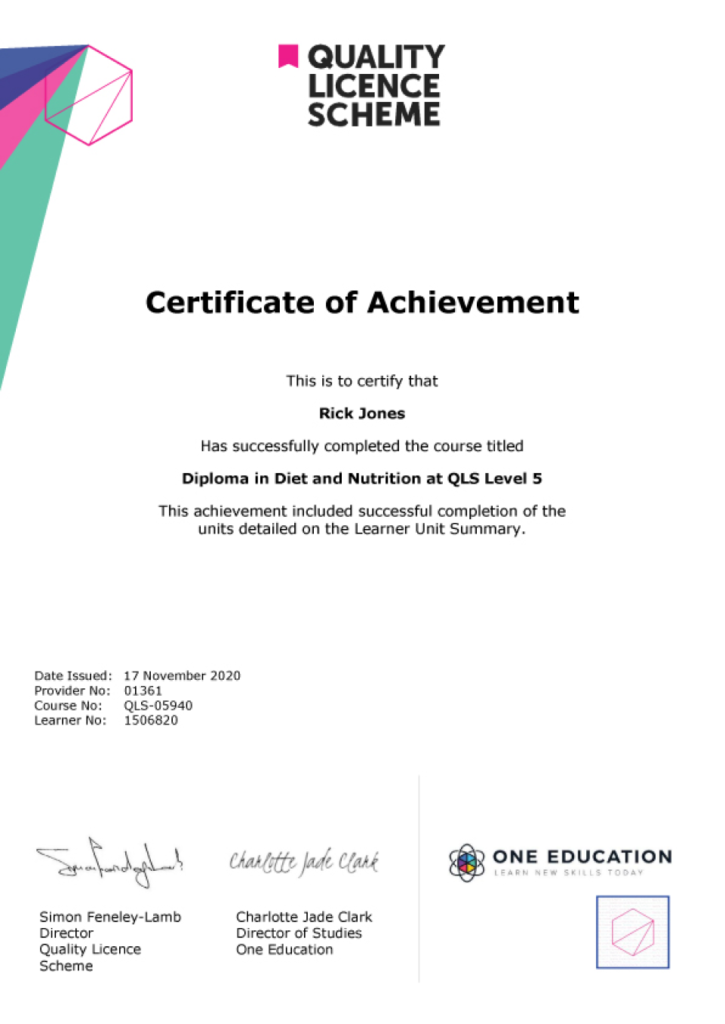
| Order Your Certificate QLS | 00:00:00 | ||
Related Courses
Diploma in Graphic Design


1433 Students
Interior Design Diploma
569 Students