
 Take All courses for £49

Edit 3 Times Faster with Adobe Premier Pro
Boost your video editing efficiency with Adobe Premiere Pro. Learn smart techniques, shortcuts, and workflow tips to edit faster, save time, and produce high-quality professional videos with ease and confidence.
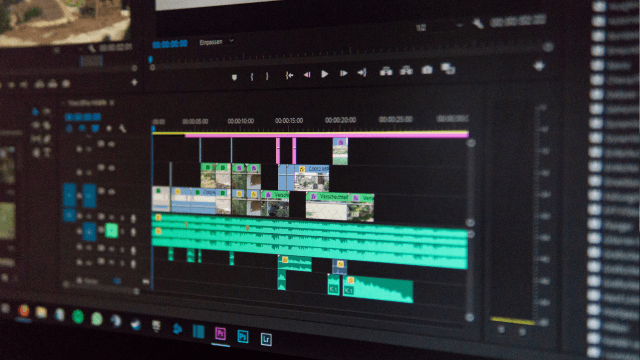


Edit 3 Times Faster with Adobe Premier Pro
Or
 1 Year Access
  Intermediate
  7 Students
 -
 1 hour, 52 minutes
Course Curriculum
| Edit 3 Times Faster with Adobe Premier Pro | |||
| Lesson 01: Introduction | 00:03:00 | ||
| Lesson 02: Don’ts | 00:06:00 | ||
| Lesson 03: Basic Steps | 00:18:00 | ||
| Lesson 04: Hot Keys | 00:42:00 | ||
| Lesson 05: Editing Interview | 00:16:00 | ||
| Lesson 06: Editing 2 Cameras and Slides | 00:12:00 | ||
| Lesson 07: Bonus Tips | 00:13:00 | ||
| Lesson 08: End Notes | 00:02:00 | ||
| Order Your Certificate | |||
| Order Your Certificate Now | 00:00:00 | ||
Edit 3 Times Faster with Adobe Premier Pro