Excel 2016 Formulas and Functions

Excel 2016: Formulas and Functions teaches how to use formulas, functions, and calculations in Excel to analyse data, improve accuracy, and work more efficiently with spreadsheets.


Excel 2016 Formulas and Functions
h h h

Get access to 5000+ courses including this for only £49. Learn More.

Overview of Excel Formulas and Functions

This Excel course introduces SUM, AVERAGE, COUNT, COUNTA and basic formulas, helping learners enter data, create worksheets, and understand core functions while building confidence using Microsoft Excel efficiently daily tasks.

Learners explore IF, VLOOKUP, HLOOKUP, CONCATENATE, LEFT and RIGHT functions to analyse data, combine text, retrieve values, and reuse formulas through guided activities and practical worksheet exercises for real projects.

Step-by-step lessons cover creating, inserting and customising formulas, saving workbooks, and using Excel Help, ensuring learners can apply functions accurately, improve productivity, and solve everyday spreadsheet problems confidently at work.

Learning Outcomes of Excel Formulas and Functions

Method Of Assessment​

Learners complete an assignment designed to evaluate their understanding of the course content. The assignment is reviewed by qualified tutors who provide personalised feedback, allowing learners to demonstrate their applied knowledge and skills.

Certification

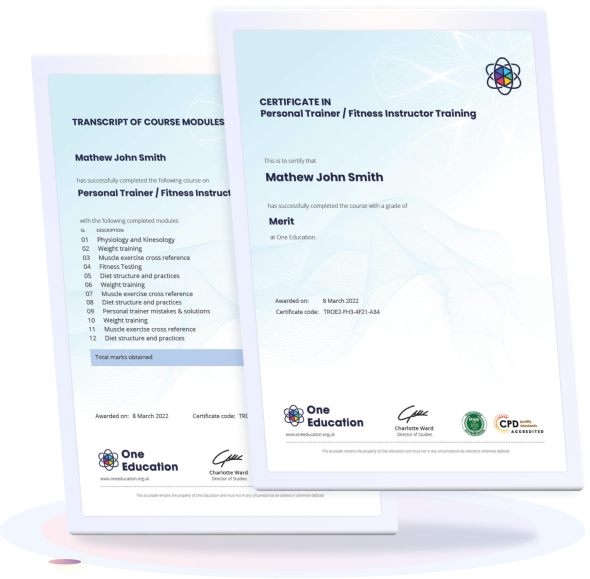
one education Certificate

After completing the Excel Formulas and Functions assessments, learners qualify for a CPD QS accredited certificate from One Education.

The certificate is available in two formats: a PDF version for £9 or a printed hard copy delivered by post for £15.

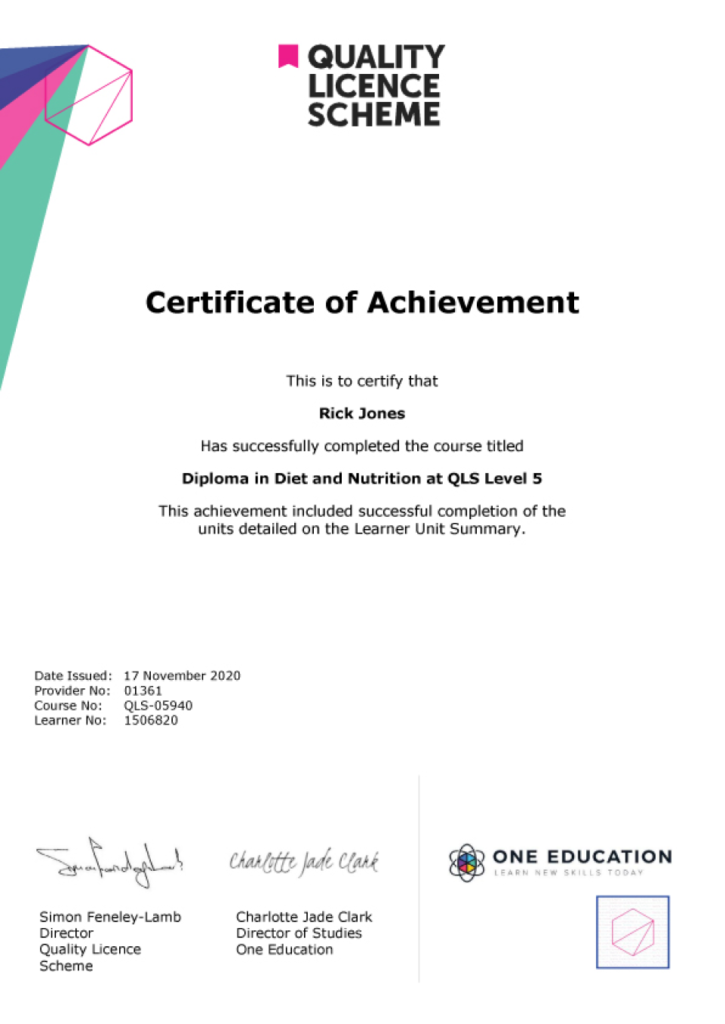
EXAMPLE - QLS Certificate 2020 1

Quality Licence Scheme Endorsed Certificate

Learners also have the option to order a Quality Licence Scheme (QLS) Endorsed Certificate as additional proof of achievement. The QLS Endorsed Certificate can be delivered by post for £89, with an additional £10 postage charge for international students.

Endorsement

This course has been endorsed by the Quality Licence Scheme for its high-quality, non-regulated provision and training programmes. This course is not regulated by Ofqual and is not an accredited qualification. Your training provider will be able to advise you on any further recognition, for example progression routes into further and/or higher education. For further information please visit the Learner FAQs on the Quality Licence Scheme website.

Why Study This Excel Formulas and Functions?

Strong Excel skills are increasingly essential across administration, finance, data analysis, and business support roles. Employers value professionals who can confidently use formulas and functions to manage data accurately, save time, and support informed decision-making.

Studying Excel Formulas and Functions builds practical expertise in tools such as SUM, AVERAGE, IF, and lookup functions, improving efficiency and confidence when working with spreadsheets. CPD certification demonstrates continuous professional development and adds clear value to your CV, supporting career progression across a wide range of industries.

Course Duration

The Excel Formulas and Functions Course is designed to be completed over 2 weeks and 1 day. This structured timeframe allows learners to progress steadily through the lessons, practise essential Excel formulas and functions, and reinforce their skills through practical activities. The course schedule supports consistent learning while giving enough time to review concepts such as calculations, logical functions, and data handling techniques in a manageable and organised way.

Requirements

The Excel Formulas and Functions course has straightforward entry requirements and is open to all learners. Basic computer skills and a general familiarity with using spreadsheets are helpful but not essential. No advanced Excel knowledge or prior professional experience is required. The course is delivered fully online and can be accessed on any internet-enabled device, allowing learners to study conveniently from any location.

Career Path

Frequently Asked Questions

Excel formulas and functions are used to perform calculations, analyse data, automate tasks, and make informed decisions using spreadsheets.

A formula is a user-created expression, while a function is a built-in Excel tool such as SUM or AVERAGE that performs specific calculations.

No prior experience is required. Beginners can start with basic formulas and gradually progress to advanced functions.

Commonly used functions include SUM, AVERAGE, IF, COUNT, COUNTA, VLOOKUP, HLOOKUP, LEFT, RIGHT, and CONCATENATE.

The IF function is used to perform logical tests and return different results based on whether a condition is true or false.

VLOOKUP searches vertically in columns, while HLOOKUP searches horizontally across rows in a table.

Course Curriculum

Getting Started with Microsoft Excel 2016
Use Excel Commands 00:10:00
Create and Save a Basic Workbook 00:19:00
Enter Cell Data 00:12:00
Use Excel Help 00:05:00
Basic Formulas and Functions
Create Worksheet Formulas 00:15:00
Insert Functions 00:17:00
Reuse Formulas and Functions 00:17:00
Formulas and Functions Activities
Create Formulas in a Worksheet 01:00:00
Activity – Create Formulas in a Worksheet 00:05:00
Insert Functions in a Worksheet 00:30:00
Activity – Insert Functions in a Worksheet 00:05:00
Reuse Formulas 00:30:00
Activity – Reuse Formulas 00:05:00
Customize Formula Options 00:30:00
Activity – Customize Formula Options 00:05:00
Assignment
Assignment – Excel 2016 Formulas and Functions 2 weeks, 1 day
Order Your Certificate
Order Your Certificate QLS 00:00:00
top

Hear What Our Learners Say About Us

OE Footer