Digital Forensics for Cyber Professionals

Digital forensics training for cyber professionals focused on investigating cyber incidents, analysing digital evidence, and supporting legal, security, and incident response operations in modern digital environments.
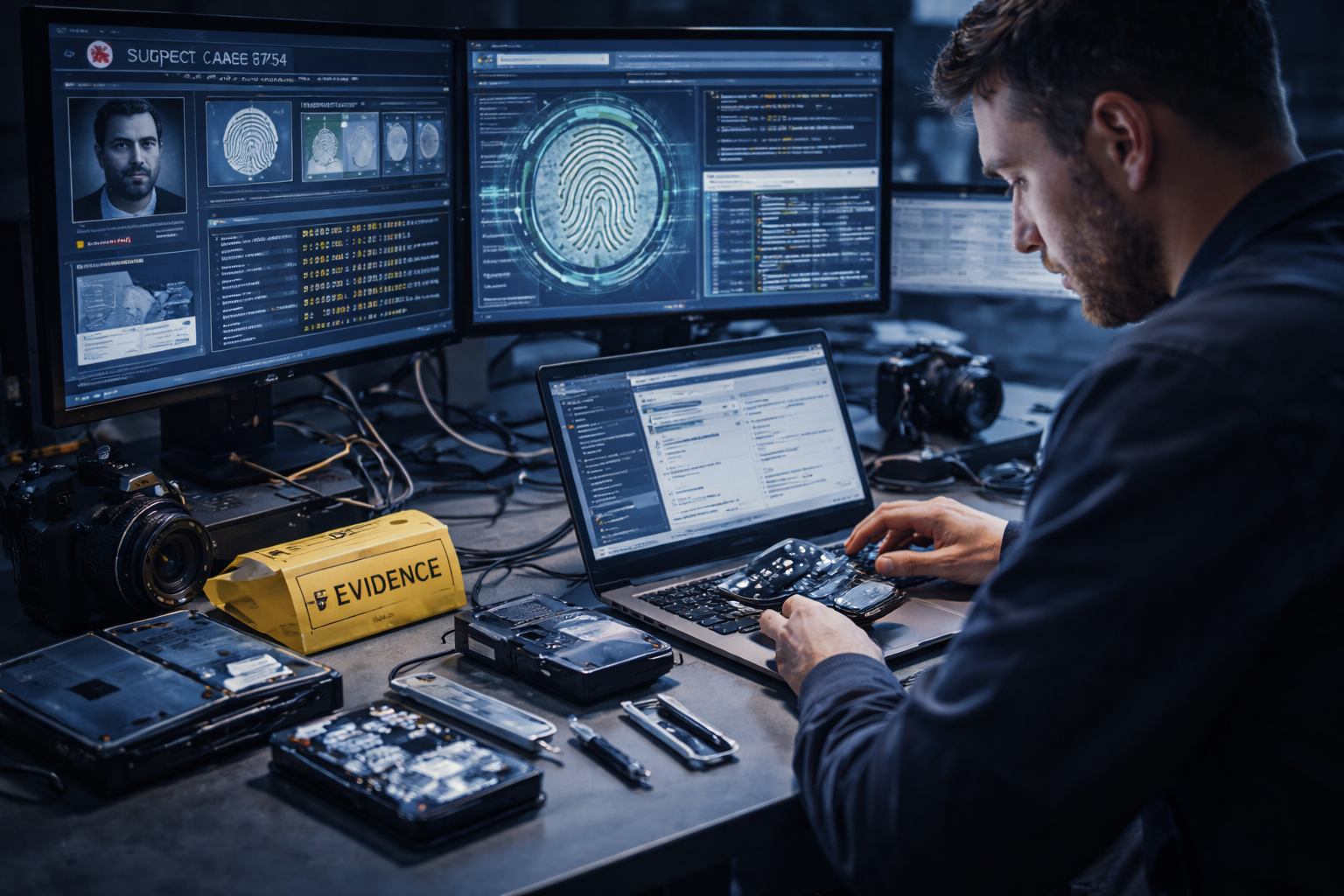
Digital forensics professional analysing electronic devices with forensic tools, evidence hardware, and investigation dashboards, illustrating cyber forensics and digital evidence analysis.

Get access to 5000+ courses including this for only £49. Learn More.

Overview of Digital Forensics for Cyber Professionals

This Digital Forensics course builds core computer forensics knowledge for cyber professionals, covering cybercrime investigation, evidence analysis and incident response techniques essential for analysing breaches, attacks and complex digital security incidents.

Learners explore malware analysis, network forensics and data recovery using industry tools, alongside mobile forensics and threat intelligence methods that support accurate investigation, attribution and structured forensic reporting across modern digital environments.

The curriculum develops practical capability in digital forensics case management, OSINT research and forensic lab setup, strengthening skills in evidence handling, vulnerable device analysis and investigative workflows used within professional cyber security teams.

Learning Outcomes of Digital Forensics for Cyber Professionals

Method Of Assessment​

Learners complete an assignment designed to evaluate their understanding of the course content. The assignment is reviewed by qualified tutors who provide personalised feedback, allowing learners to demonstrate their applied knowledge and skills.

Certification

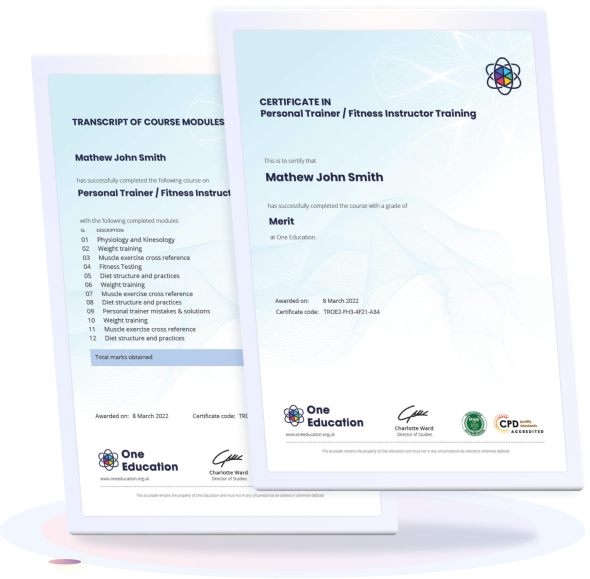
one education Certificate

After completing the Digital Forensics for Cyber Professionals assessments, learners qualify for a CPD QS accredited certificate from One Education.

The certificate is available in two formats: a PDF version for £9 or a printed hard copy delivered by post for £15.

Why Study This Digital Forensics for Cyber Professionals?

Digital crime continues to rise across organisations, governments, and online platforms, increasing demand for professionals who can investigate incidents, analyse digital evidence, and support cybercrime response efforts. Digital forensics plays a vital role in identifying breaches, tracing malicious activity, and strengthening cyber security frameworks.

Studying Digital Forensics for Cyber Professionals builds specialist knowledge in evidence analysis, cyber investigations, and forensic methodologies used across modern digital environments. CPD certification demonstrates technical awareness, professional development, and commitment to staying current within the evolving cyber security and digital investigation landscape.

Course Duration

The Digital Forensics for Cyber Professionals course requires 5 hours and 39 minutes to complete. The content is structured into focused modules that allow learners to progress smoothly through each topic, making it easy to complete the course within a short timeframe depending on individual study habits and engagement levels.

Requirements

The Digital Forensics for Cyber Professionals course has straightforward entry requirements. Learners with a basic understanding of computers, networking, or cyber security concepts will benefit most, though prior professional experience is not mandatory. An interest in cybercrime investigation, data analysis, and digital evidence handling is recommended. The course is delivered fully online and can be accessed using any internet-enabled device, allowing learners to study from a location and schedule that suits them.

Career Path

Frequently Asked Questions

Digital Forensics for Cyber Professionals focuses on identifying, preserving, analysing, and reporting digital evidence related to cyber incidents, system breaches, and data misuse across computers, networks, and mobile devices.

This course is suitable for cyber security professionals, IT specialists, network engineers, incident responders, and individuals aiming to understand cybercrime investigation methods and evidence analysis.

Basic knowledge of IT systems or networking is helpful, but not essential. The course explains core digital forensics concepts clearly for learners at different experience levels.

You will gain knowledge of computer forensics, network forensics, malware analysis, incident response, OSINT techniques, and structured evidence handling.

Yes, it explains cybercrime investigation processes, including threat intelligence gathering, evidence analysis, and forensic case management techniques.

Course Curriculum

Course Overview
Course Overview 00:06:00
Building Your Forensics Lab Environment Using VirtualBox
Lab – Installing CSI Linux 00:13:00
Lab – Creating a Kali Live (Forensic Mode) VM Using VirtualBox 00:06:00
Lab – Create a Virtual Install Kali Image Using VirtualBox 00:07:00
Lab – Create Virtual Install of Windows 10 Using VirtualBox 00:08:00
Install Additional Tool Using Katoolin3 00:10:00
Using Kali Forensic Mode and Autopsy
Lab – Simulate Creating a Disk Image for a Forensic Analysis 00:11:00
Lab – Examining a forensic Disk Image Using Autopsy 00:12:00
Digital Forensics Case Management
Lab -Digital Forensics Using Autopsy Part I 00:11:00
Lab – Digital Forensics Using Autopsy Part II 00:07:00
Lab – Installing the WebMap-Nmap Dashboard 00:12:00
Open-source intelligence (OSINT)
Lab – Conducting OSINT Using CSI Linux Investigator 00:08:00
Lab – Find Social Media Accounts Using Sherlock 00:07:00
Computer Forensics
Attaching an External USB Device in Kali 00:07:00
Lab – Memory Forensics Using the Volatility Framework 00:18:00
Lab – Acquiring a Forensic Copy of the Windows Registry 00:15:00
Lab – Analyzing the Windows Registry for Evidence 00:14:00
Using Shodan to Search for Vulnerable devices
Lab – Preparing CSI Investigator to Use Shodan 00:05:00
Lab – Using Shodan to Find Vulnerable Devices 00:16:00
Lab – Using Shodan to Search for Vulnerable Databases 00:08:00
Stenography
Lab – Using the EXIFtool to Read and Write EXIF Tags 00:11:00
Using the EXIFtool to Read and Write EXIF Tags 00:10:00
Network forensics Using Wireshark
Overview of Wireshark 3.2 00:11:00
Wireshark Capture Options 00:07:00
Wireshark Toolbar Icons 00:04:00
Lab – Capturing a 3-way TCP Handshake Using Wireshark 00:05:00
Lab – Installing a Wireless Adapter in Kali 00:09:00
Lab – Hacking a Wireless Network Using Kali Linux 00:14:00
Capturing Wireless Traffic Using Wireshark 00:05:00
Practice What You Have learned
Lab – CTF Lab Build for HA: Forensics 00:11:00
Lab – Capture flag #1 00:12:00
Lab – Capture flag #2 00:10:00
Lab – Capture flag #3 00:20:00
Lab – Capture flag #4 00:09:00
Assignment
Assignment – Level-4 Digital Forensics for Cyber Professionals 00:00:00
top
Home Courses Search