Digital Painting - Basic to Advanced

Digital Painting – Basic to Advanced guides learners from essential brush techniques to complex compositions, colour theory, lighting, and texture creation, building confident digital artists ready for professional-quality artwork and creative projects.

Digital Painting Course - Basic to Advanced
cpdacree aoth ukrlp 24hs fullonline 14days

Get access to 5000+ courses including this for only £49. Learn More.

Overview of Digital Painting - Basic to Advanced

Master the fundamentals of Digital Painting and explore the world of Digital Art with practical techniques for creating professional-looking digital artwork. This course introduces digital drawing, painting techniques, colour theory, brush techniques, and creative design while helping you build confidence using Krita.

Progress from essential tools to advanced features through structured Digital Illustration projects designed to strengthen your artistic skills. Learn how to use Krita’s basic features, understand digital painting workflows, and develop engaging artwork through projects such as a tree on a hill and a Super Pineapple illustration.

Whether you are exploring Concept Art, developing digital artwork, or improving your illustration abilities, this course provides a practical pathway from beginner to advanced level. Develop stronger digital drawing techniques, experiment with creative design, refine your brush techniques, and create expressive Digital Painting projects with greater confidence and creativity.

The course was audited and updated on: 9th August, 2026

Learning Outcomes of Digital Painting - Basic to Advanced

Method Of Assessment​

Learners complete an assignment designed to evaluate their understanding of the course content. The assignment is reviewed by qualified tutors who provide personalised feedback, allowing learners to demonstrate their applied knowledge and skills.

Certification

one education Certificate

After completing the Digital Painting - Basic to Advanced course assessment, you will be eligible to receive a CPD-accredited certificate worth £9 from One Education to demonstrate your achievement.

The certificate is also available as a printed hard copy delivered by post for £15.

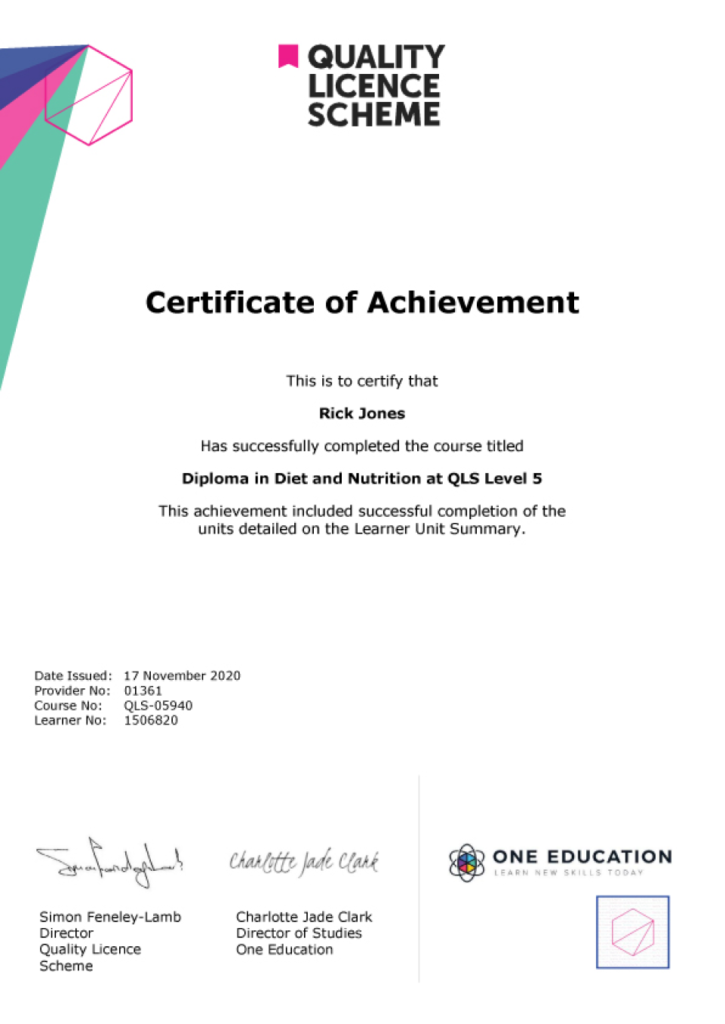
EXAMPLE - QLS Certificate 2020 1

Quality Licence Scheme Endorsed Certificate

Learners also have the option to order a Quality Licence Scheme (QLS) Endorsed Certificate as additional proof of achievement. The QLS Endorsed Certificate can be delivered by post for £109, with an additional £10 postage charge for international students.

Endorsement

This course has been endorsed by the Quality Licence Scheme for its high-quality, non-regulated provision and training programmes. This course is not regulated by Ofqual and is not an accredited qualification. Your training provider will be able to advise you on any further recognition, for example progression routes into further and/or higher education. For further information please visit the Learner FAQs on the Quality Licence Scheme website.

Why Study This Digital Painting - Basic to Advanced Course?

Digital painting combines traditional artistic principles with modern creative technology to produce expressive and detailed artwork. This course takes learners from fundamental concepts to more advanced techniques, covering digital drawing, colour theory, brush techniques, illustration, composition, and creative painting workflows.

Studying digital painting from basic to advanced levels can build strong artistic and technical confidence. Learners can develop their own digital painting style, refine brush and colour techniques, create illustrations and concept art, and produce polished digital artwork suitable for creative portfolios and professional projects.

Course Duration

The Digital Painting - Basic to Advanced course has a total study timeframe of 2 weeks, 1 day. Learners can progress through the programme at a flexible pace, developing practical skills in digital painting, digital art, digital illustration, digital drawing, painting techniques, concept art, digital artwork, colour theory, brush techniques, and creative design.

Requirements

The Digital Painting - Basic to Advanced course has no formal entry requirements, making it suitable for beginners and aspiring digital artists. An interest in digital painting, illustration, colour theory, brush techniques, and creative design is beneficial. Basic computer skills, good English, and reliable internet access are recommended for practising techniques online.

Career Path

Frequently Asked Questions

1. What is the Digital Painting – Basic to Advanced course?
The Digital Painting – Basic to Advanced course provides a structured introduction to creating digital artwork, progressing from fundamental techniques to more advanced painting skills. It covers Digital Painting, Digital Art, Digital Illustration, Digital Drawing, Painting Techniques, Concept Art, Digital Artwork, Colour Theory, Brush Techniques, and Creative Design.

2. Who is the Digital Painting – Basic to Advanced course suitable for?
The course is suitable for beginners, aspiring digital artists, illustrators, graphic designers, concept artists, art students, hobbyists, and creative learners who want to build their Digital Painting skills from basic concepts through more advanced techniques.

3. What will I learn from the Digital Painting course?
You will begin with an introduction and explore Krita Basic Features before moving into an introduction to Digital Painting. The course also includes an Illustration Project: Tree, allowing learners to apply their skills through practical Digital Artwork.

4. Do I need previous digital painting experience?
No. The course starts with introductory material and Krita’s basic features, making it suitable for beginners. Previous experience with Digital Art, Digital Illustration, or professional painting software is not required.

5. What is digital painting?
Digital Painting is the creation of artwork using digital software and tools instead of traditional physical painting materials. Artists can use digital brushes, layers, colours, blending tools, and other features to create and refine paintings.

6. What is digital art?
Digital Art is artwork created or developed using digital technology. It can include paintings, illustrations, drawings, concept art, character designs, environments, and many other forms of Creative Design.

Course Curriculum

Module 01: Introduction
Introduction 00:04:00
Convention & Disclaimer 00:02:00
Raster Vs. Vector 00:06:00
Colour Models 00:12:00
Bits Per Channel 00:09:00
Hexadecimal Colour Code 00:07:00
Drawing Tablet Setup 00:10:00
Module 02: Krita Basic Features
Working with Documents 00:12:00
Ui Introduction 00:08:00
Navigation 00:11:00
Using Freehand Brush 00:09:00
Selecting Colours 00:08:00
Picking and Offsetting Colour 00:04:00
Other Brush-Based Tools 00:10:00
Layer Introduction 00:06:00
Layer Properties 00:04:00
Alpha Inheritance & Group Layer 00:06:00
Opacity & Blending Modes 00:08:00
Selection Basics 00:08:00
Module 03: Digital Painting Introduction
Customizing the Ui 00:05:00
Favourite Brushes 00:07:00
Custom Shortcuts 00:04:00
Basic Shading Concepts 00:07:00
Basic Shading Methods 00:09:00
Basic Sketching and Colouring 00:11:00
Detailed Shading Method 00:09:00
Highlight and Texture 00:11:00
Module 04: Illustration Project: Tree on A Hill
The Workflow 00:03:00
Reference Images 00:08:00
Sketching 00:08:00
Layer Sorting & Colouring 00:09:00
Local Shading 00:13:00
Global Shading 00:04:00
Details 00:09:00
Workflow Flexibility 00:10:00
Module 05: Kriti Advanced Features
Modifying Selection 00:08:00
Selection Operations 00:07:00
Transforming Selection 00:07:00
Contiguous Selection Tool 00:09:00
Colour Based Selection Tools 00:04:00
Anti-Aliasing and Fill Tool 00:09:00
Free Transform Tool 00:07:00
Perspective and Warp Distortion 00:05:00
Cage Deformation 00:09:00
Liquify Distortion 00:07:00
Transform Mask 00:10:00
Transparency Mask 00:04:00
Gradient Colour 00:12:00
Gradient Tool 00:05:00
Wrap-Around Mode 00:04:00
Tileable Texture 00:07:00
Clone Brush & Manual Patching 00:06:00
Pattern 00:07:00
Filter 00:10:00
Module 06: Illustration Project: Super Pineapple
Project Workflow 00:03:00
Custom Shortcut and Tablet Keys 00:04:00
Clone Layer 00:09:00
Environment Textures 00:13:00
Pineapple Pattern 00:06:00
Shading the Environment 00:08:00
Creating A Transparent Texture 00:11:00
Shading the Pineapple 00:15:00
Shading the Toaster 00:07:00
Finalizing 00:09:00
Assignment
Assignment – Digital Painting – Basic to Advanced 2 weeks, 1 day
Order Your Certificate
Order Your Certificate QLS 00:00:00
Digital Painting – Basic to Advanced
top